
Coworking is often described through the lens of community. But community does not emerge because software lists it as a feature — it emerges when everyday operations work: rooms bookable, doors open, resources easy to find, and help on hand when something breaks.
The operating system is not the newsfeed
Great spaces thrive on connection, exchange, trust and the feeling of belonging. Smaller, locally rooted coworking spaces, startup centres and innovation hubs in particular are not defined by square metres alone, but by atmosphere, network and proximity.
But community does not emerge just because a software platform lists “community” as a feature. Community emerges when people want to come back. And for that to happen, the space has to work in everyday use: rooms need to be bookable, doors need to open, phone booths need to be available, resources need to be easy to find, invoices should not pile up and users need help when something does not work.
That may sound less glamorous than community. But this is exactly where a space proves whether it is professionally run. Many operators would like to spend more time on members, events, exchange and networks. At the same time, that time is often consumed by administration, coordination, invoicing, access issues, resource management and small operational problems. That is why it is worth making a clear distinction: community matters. But the operating system of a coworking space is not the newsfeed. It is booking, access, usage, resource management, invoicing and support.
Do not buy a community suite to solve an operations problem
Many coworking platforms try to cover as much as possible at once: memberships, booking, access, invoices, community, newsfeeds, event calendars, internal communication and sometimes even more. For large operators, such an all-in-one approach can make sense. For smaller and mid-sized spaces, locally driven startup centres, municipally or university-linked operating models, or commercially run single locations, it can quickly become too much: too expensive, too complex and not always strong where the real operational pain lies.
Many community-related tasks can already be handled well with existing tools. For exchange, there are Slack, Discord or specialised community platforms. For regular communication, there are newsletter tools. For events, there are dedicated event platforms. For external visibility, there are websites, LinkedIn, local networks and partner communication.
That does not mean community features are unimportant. It simply means they do not solve every problem. If the problem is “our members do not talk to each other enough,” the answer may be better formats, better moderation or a suitable communication tool. If the problem is “rooms are coordinated manually, access is cumbersome, resources are not visible, invoices take time and after a booking nobody really knows what happened,” then the space does not need a second Slack. It needs a good operating system.
1. Move from a membership model to a utilisation model
Many coworking spaces first think in memberships: flex desk, fixed desk, office, team plan. That makes sense, because memberships create recurring revenue and predictability. But a space is not made up of members alone. It consists of rooms, areas, resources and services that can create value beyond the membership model.
Meeting rooms can be booked internally and externally. Event spaces can be made available to partners, startups or local organisations. Day passes can attract new user groups. Phone booths, lockers, presentation equipment, parking spaces or storage areas can generate additional revenue or better serve existing members.
The shift in perspective is this: do not just manage members; make better use of existing infrastructure. What is bookable, accessible and usable can create value. What merely exists somewhere will often remain empty.
2. One-off use needs instant booking
For members, a cumbersome booking process is annoying. For external users, day guests or one-off bookings, it is often where the process breaks down. Someone looking for a workshop room, event space or meeting room for a single occasion will rarely wait days for a response. If a room first has to be requested by email, it is practically unavailable for many users.
A good process therefore makes the essentials immediately visible: What is available? What does it cost? Who is allowed to book it? Which rules apply? What is included? The process should not be: “Send us an email and we will take a look.” It should be: “Select a resource, see availability, book, confirm the rules and receive the information you need.”
The fewer follow-up questions are required, the better operations can scale — and the easier it becomes to make one-off use economically viable.
3. A booking without access is only half a solution
When a member books a room, a guest buys a day pass or an external team uses an event space, it should be clear: Who is allowed to go where, when, for how long, with which permission — and when does that permission end?
In a good process, access is not an afterthought. It is derived from the booking or membership. A day pass is valid for the booked day. A meeting room is accessible for the booked time slot. Guest access expires automatically. When a member is offboarded, their access rights end as well.
This reduces effort and security risks. Nobody has to chase old keys, forgotten fobs or codes that have been passed around. The important distinction is this: the link between booking and access — meaning permission logic and check-in — should be considered from the start. The physical hardware behind it, such as digital locks and IoT, can wait because it involves cost. A space can start with clearly defined access and digital check-in, then add smart locks once after-hours use or frequently changing user groups make manual key handovers too cumbersome.
4. Self-service makes usage easier — and more visible
Self-service is not just convenience. It is the interface between user and space. Through an app or web app, users can book rooms, access information, check in, report issues, reserve additional resources or complete a check-out after use. This does not only make the space easier to use. It also makes usage more visible.
Every booking, every check-in, every return and every support request provides signals about how the space is actually used. Which rooms are in demand? Which times are busy? Which resources become scarce? Where do no-shows occur? Which issues keep coming up? Without this data, many decisions remain gut feeling. With self-service, the space gains a continuous feedback loop.
A good process is therefore not simply: “The user does more themselves.” It is: “The user can manage the use independently — and the operator understands better what is actually happening in the space.”
5. Scarce resources need to be actively kept available
Coworking is not just a space business. It is an availability business. Many moments of frustration do not happen at the desk itself, but around scarce resources: the phone booth is occupied. The presentation equipment is somewhere, but nobody knows where. The small meeting room is booked, but remains empty. Lockers are permanently blocked. Parking spaces are allocated by gut feeling. Equipment is borrowed but not returned properly.
A good space makes these resources visible, bookable and returnable. A phone booth can be reserved at short notice. Optional equipment can be booked when needed and, for example, collected from a smart locker. Lockers can be assigned permanently or for limited periods. Moderation materials or technical equipment can be issued and returned digitally. No-shows can be detected so that blocked resources become available again.
This is one of the biggest levers in day-to-day operations: not buying more of everything for every possible scenario, but making existing resources easier to access and better available.
6. When something goes wrong, the process has to hold
A coworking space is a service business. And service becomes most visible when something does not work. The door sticks. The access code fails. The room is not prepared. The booked equipment is missing. The Wi-Fi is unstable. Someone is standing outside the door in the evening.
A good digital process does not let these cases disappear into nowhere. Users need a way to get help directly from the booking or usage flow. The operator should be able to see which booking, room, resource and user are affected. Recurring issues should become visible instead of being rediscovered from scratch every time.
This is especially important for small teams. One person often wears many hats at once: community, sales, facility, invoicing and support. The more standard cases are digitally guided, the more time remains for the cases that truly require human attention.
The space does not have to become staffless. It simply should not work only when the right person happens to be on site.
7. Start with a robust core — and expand sensibly
A good coworking operation does not need an overloaded solution that covers every possible feature from day one — but the starting point should not be too small either. The operational core includes, from the beginning: booking rooms and fixed workspaces, user and member management, invoicing — and also access and support. Access initially means the logic, not the hardware: deriving permissions from bookings and memberships, combined with digital check-in. Support means users have a way to get help from the start. Both should be considered from the beginning, not added as an afterthought.
Physical access hardware is deliberately optional: digital locks and IoT technology cost money and only become worthwhile once access outside staffed hours is needed or frequently changing user groups make manual key handovers too cumbersome. From there, the offering can be expanded step by step — with bookable add-on services such as lockers, equipment, parking, storage or printing and copying, and, where useful, even collection from a smart locker.
What matters is that these steps do not create a new isolated tool every time. Otherwise, the operator ends up with exactly the complexity they wanted to avoid. A good platform approach starts with a core that thinks booking, access and support together — and can then grow modularly.
Conclusion: community needs a space that works
Coworking spaces need strong community. But community can only emerge when operations work.
That requires a core that brings together the essential operational processes: booking rooms and workspaces, user and member management, invoicing — and, from the beginning, access in the form of permission logic and check-in, as well as support. Additional modules can then be added: digital locks for automated access, support for physical usage, and bookable add-on services that keep scarce resources such as phone booths, lockers or parking spaces fairly available and make optional equipment bookable through an app — up to collection from a smart locker where needed.
Community communication can also run through other tools. The space itself needs a system that reliably organises physical usage — from booking and access through to actual use and support. Because in the end, everyday operations decide: Can users book? Can they get in? Can they find the resources they need? Can they get help when something does not work? And can the operator see what is actually being used?
If these questions are answered well, the foundation is there for better utilisation, a better user experience and additional revenue. Community is the reward. Operations are the job.
Insights, product updates and customer stories from the kolula world.
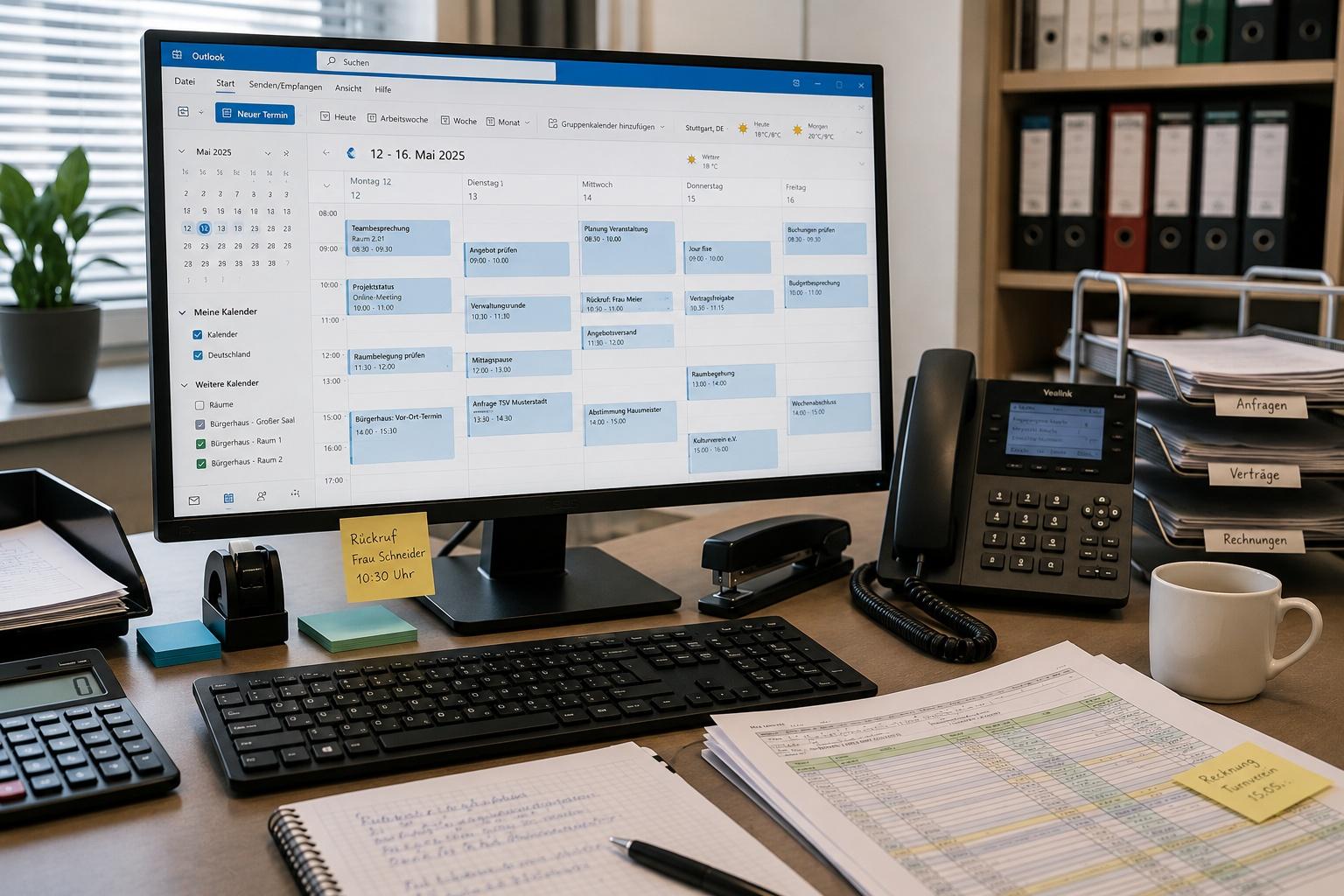
Less effort in room management: 7 common time-wasters — and how to avoid them
How digital room management reduces repetitive tasks, streamlines processes, and lightens the workload for employees in their day-to-day work.
Read article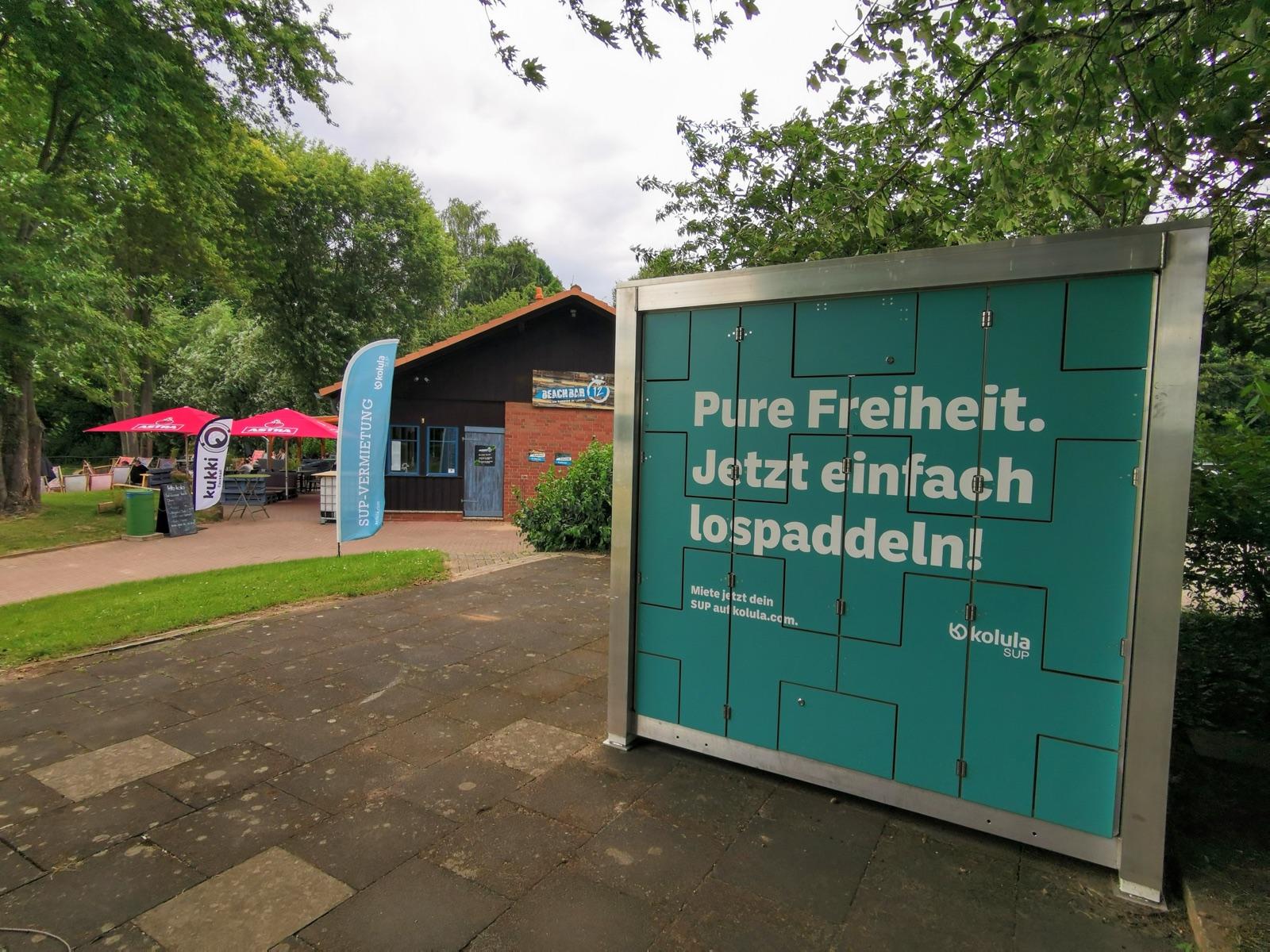
Activating public waterfront access
How towns and tourism regions activate unused shorelines — without their own budget or staff.
Read article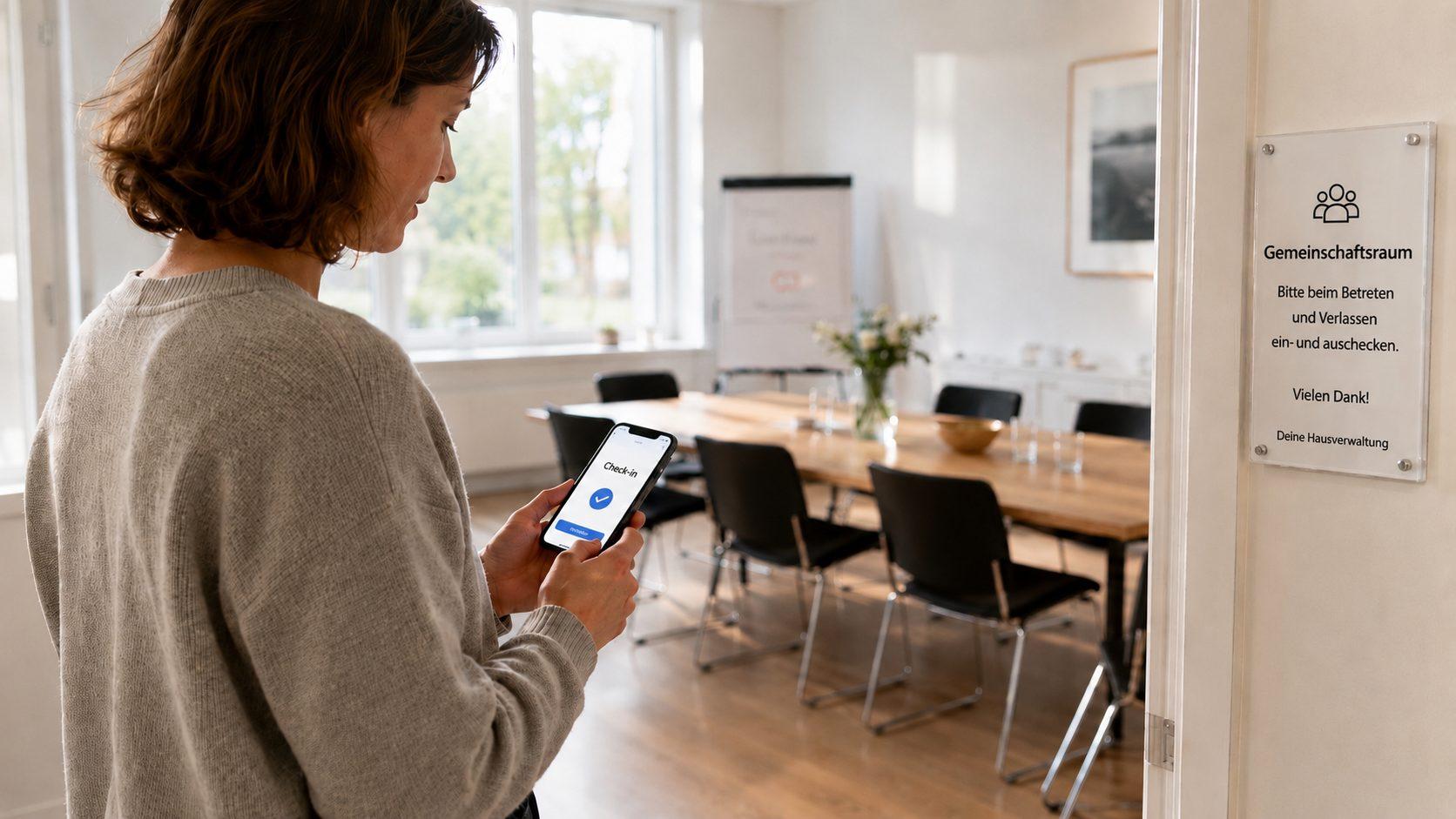
Making rooms bookable online
How organisations can make better use of existing infrastructure
Read article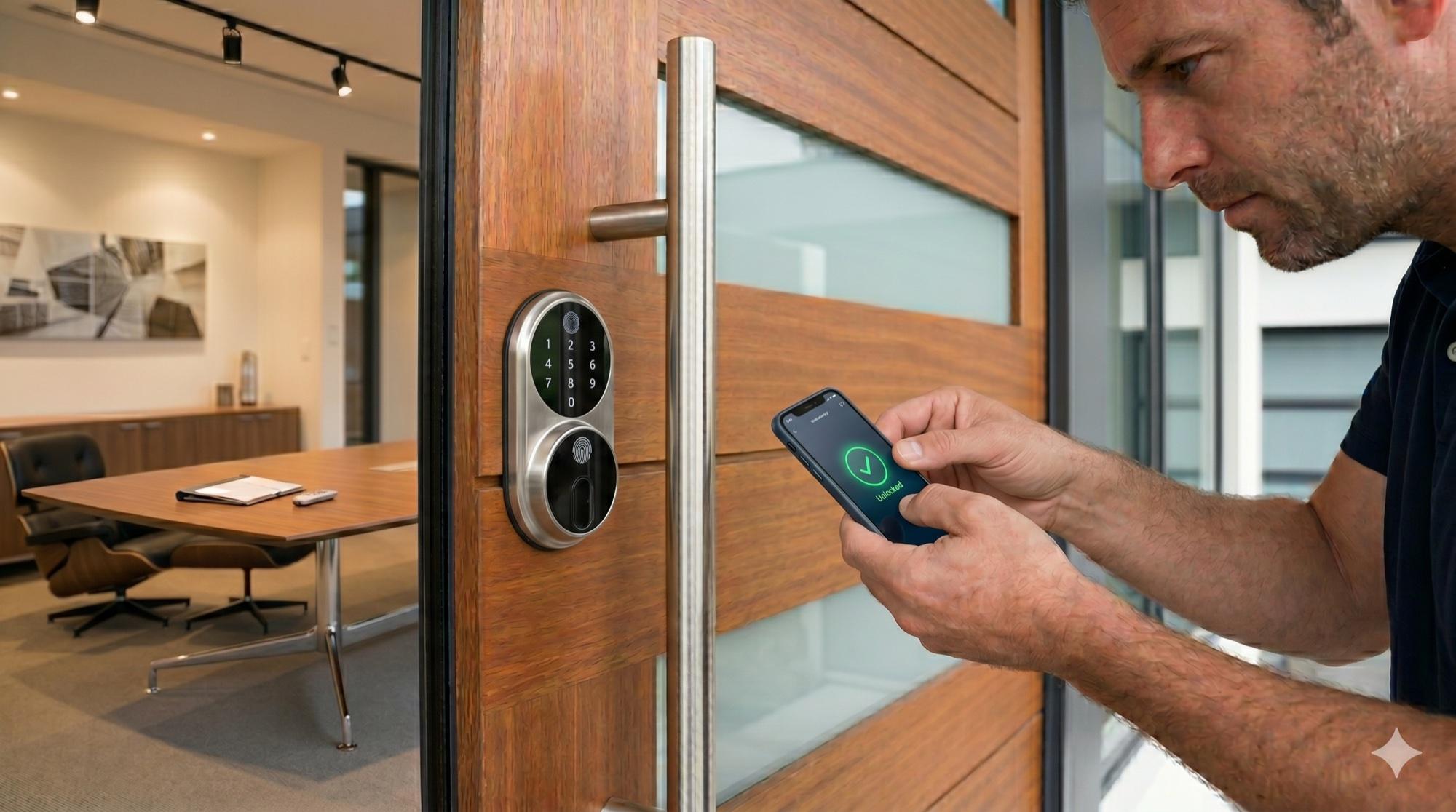
Digital access management with kolula KEY
Why hybrid access solutions are more cost-effective
Read article
Product rentals, reimagined
Rent instead of buy — sustainable, flexible and cost-saving
Read article
Private handovers, simple and secure
Smart lockers as a safe meeting point for marketplace users
Read article
Automated 24/7 guest check-in
How kolula makes key handover effortless
Read articleWant to know more?
In a short call we’ll show how kolula can map to your requirements.