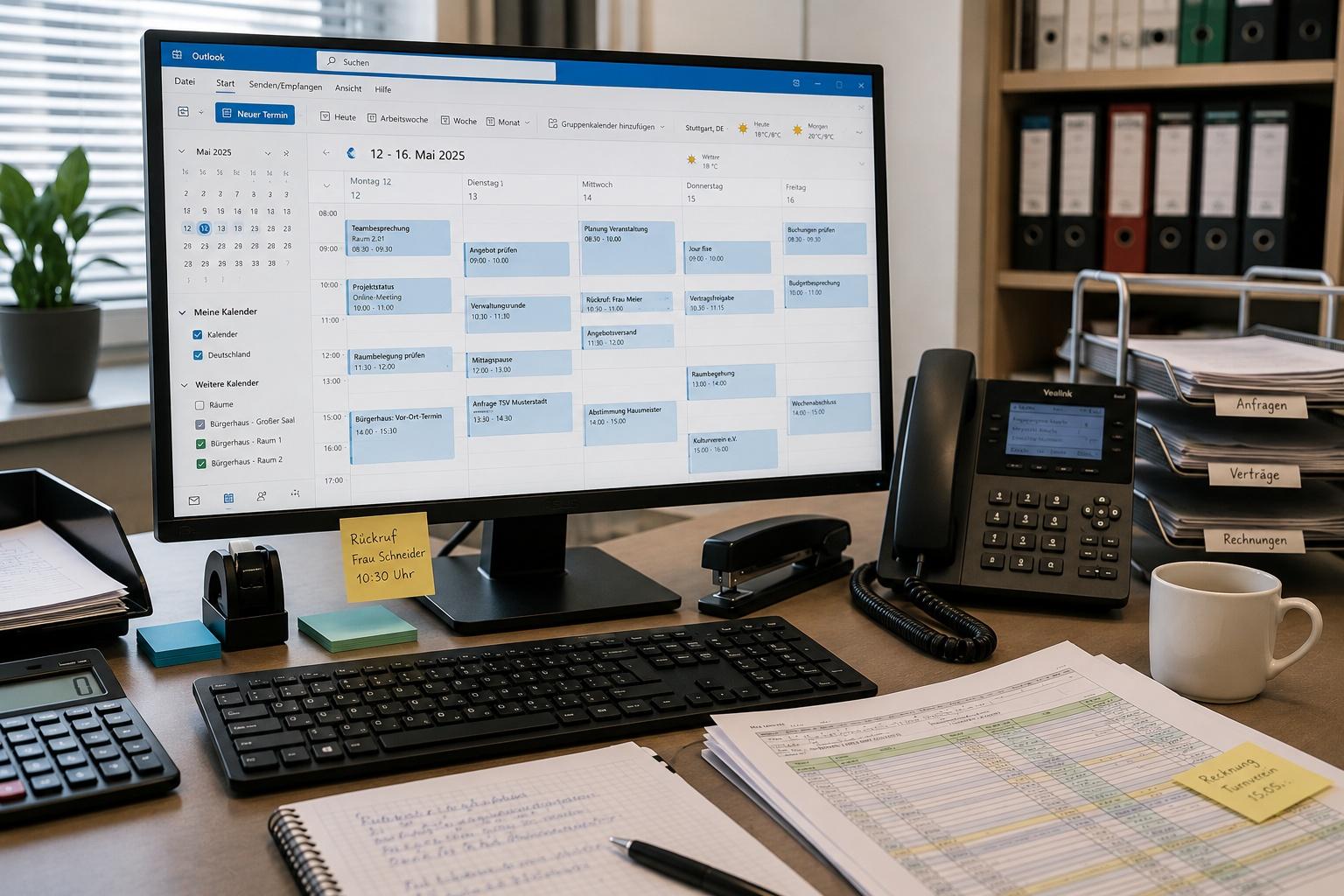
Managing rooms may sound like a straightforward task at first: A request comes in, availability is checked, and the room is reserved. In practice, however, there’s much more to it than that. A single booking generates numerous administrative tasks — from coordination and confirmation to key handoff and billing.
Which tasks require the most effort?
Especially when managing multiple rooms or many bookings, these individual steps add up. Digital room management, therefore, doesn’t just focus on the booking itself. Above all, it simplifies the recurring processes surrounding a booking.
1. Manually checking availability
“Is the room still available on the desired date?” This simple question can already create work — especially when bookings are tracked in calendars, spreadsheets, or other systems, and current availability must first be verified.
A centralised digital room management system creates transparency here: Availability is managed in one place and taken into account directly during the booking process. This reduces the need for back-and-forth coordination and simultaneously simplifies planning.
2. Coordinating bookings via email and phone
One request comes via email, another by phone. A schedule change follows a few days later, and additional information is exchanged via email. As a result, communication surrounding a booking quickly spreads across different channels.
The more bookings are processed, the harder it becomes to keep track of everything: What has already been agreed upon? Is the appointment confirmed? Have there been any changes?
A digital booking process consolidates all relevant information in one central location. This makes it easier to track and process bookings.
3. Tracking appointments, changes and cancellations
A booking doesn’t always remain exactly as it was originally requested. Dates get pushed back, booking times change, or an event gets cancelled.
If such changes are handled manually, calendars, booking overviews, and other documents may need to be updated. A centralised room management system ensures that changes are directly assigned to the respective booking and only need to be updated in one place.
This provides clarity and avoids duplicate work.
4. Manually sending booking confirmations and information
After making a reservation, users typically need additional information: the booking confirmation, details about the room, organisational notes, or information on how to use the room.
If this information is compiled and sent individually for each booking, the same administrative effort is required time and again. Digital processes link such recurring information directly to the booking process and provide it in a standardised format.
Standardisation does not mean less personalised service — it means less manual routine work.
5. Creating contracts and booking documents
Depending on the type of room and its use, additional documents may be required. If contracts or other booking documents are created manually for each reservation, data must be transferred from the request, documents must be customized, and then they must be sent out.
If the relevant booking data is already available centrally, these steps can be organised much more easily. At the same time, documents and booking information remain traceably assigned to the respective transaction.
6. Organising key handovers
The booking is confirmed — but how does the user gain access to the room?
With traditional keys, it’s often necessary to arrange when and where they will be picked up and subsequently returned. Staff hours and availability must align with the users’ needs.
Digital access solutions can simplify this process. This does not necessarily mean that every door must be equipped with a digital locking system. What matters is an access solution that fits the specific room and usage scenario.
Booking and access are thus organised as a single, integrated process.
7. Handling billing and documentation
The process is often not complete once a room has been used. Depending on the organisation and usage model, steps such as billing, security deposits, or documentation may follow.
Here, too, a seamless digital process pays off: The relevant booking data is already available in the system. The invoice can be easily generated at the push of a button based on this data, without having to search for or transfer booking information again.
At the same time, the entire process is documented in a traceable manner. This simplifies administration and provides transparency regarding bookings and the actual use of the rooms.
Why do these time-consuming tasks arise in the first place?
Most often, it’s not due to a single complicated step. The effort arises because many small tasks are scattered across different communication channels and involve different systems. A request is in an email inbox, the room reservation is in a calendar, contact information is in a list, and documents are in a separate folder.
As long as there are only a few bookings to process, this can often still be managed effectively. However, as the number of rooms, users, or reservations increases, so does the coordination effort. Information must be searched for, transferred, and kept up to date. Changes to a booking can affect multiple areas.
Added to this is the reliance on individual people: Who knows what was agreed upon for a request? Where are the documents stored? Has the change already been reflected in the calendar? The more information is tied to personal email inboxes or individual knowledge, the more difficult it becomes to cover for absent staff and ensure reliable processing.
This is exactly where centralised digital room management comes in: it consolidates information related to a booking process and creates a standardised workflow.
The key point: don’t just digitise the booking
Those looking to simplify room management often first think of making rooms bookable online. That’s an important step — but on its own, it doesn’t go far enough.
After all, the actual administrative work often begins only after a booking request is made: checking availability, coordinating, confirming, providing documentation, organising access, billing, and documenting.
Digital room management therefore delivers its greatest value when not just the request, but the entire booking process is taken into account and digitised.
This reduces repetitive tasks, makes information centrally available, and makes workflows more transparent for both administrators and users.
Less administration — without giving up control
A digital process does not mean that every room reservation must be automatically accepted.
The organisation continues to decide who may use which room and under what conditions. Necessary checks and approvals remain in place when required. What is digitised and simplified are the administrative workflows surrounding these decisions.
This reduces the administrative burden without relinquishing responsibility or decision-making authority.
How good digital room management changes day-to-day operations
The biggest difference isn’t in any single feature, but in how the processes work together. Instead of maintaining information in multiple places, a seamless workflow is created around each booking.
Availability, booking details, communication, and other process steps are all integrated. Recurring tasks are standardised, while individual decisions remain possible where necessary.
This makes room management not only more efficient but also more transparent. Employees can quickly see all the information related to a booking and which steps have already been completed. At the same time, users benefit from a clearer and more reliable booking process.
It is therefore important not to focus solely on the ability to book online when selecting a solution. What matters most is whether the solution supports the entire workflow — from availability and reservation to communication, billing, and access.
Organise room management more easily with kolula
kolula connects the various steps of room management into a seamless process.
Rooms are made available and bookable online. Bookings and information are managed centrally. Recurring processes are standardised. Invoices can be easily generated based on existing booking data. And when appropriate for the specific use case, access to the room is also integrated into the process.
This is suitable, for example, for municipal spaces and community centres, parish and event spaces, guest apartments and common areas, or flexibly used coworking spaces.
The focus here isn’t on the technology. The goal is to reduce administrative effort and simplify the use of the rooms.
Conclusion: how many of these steps are involved in each booking?
If you want to know whether digital room management is worth it, you can start with a simple assessment: How many of the seven steps described above are currently required for a typical room booking at your organisation?
And how many of these are still organised via email, phone, calendars, spreadsheets, or individual documents?
The more recurring manual steps that are required, the greater the potential to simplify the process.
After all, digital room management isn’t simply about replacing an analogue request with an online one. The key is to simplify the entire booking process.
Insights, product updates and customer stories from the kolula world.
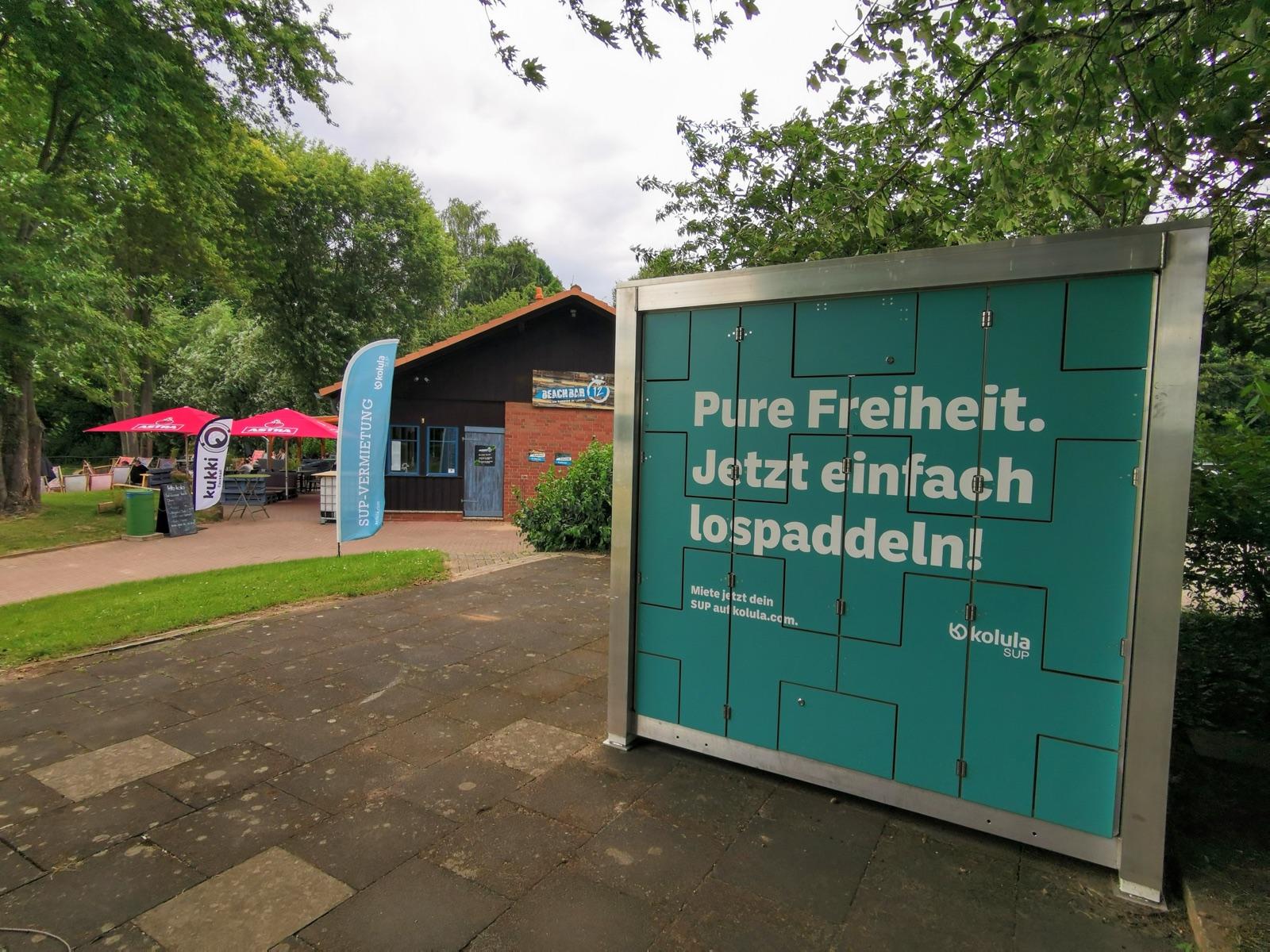
Activating public waterfront access
How towns and tourism regions activate unused shorelines — without their own budget or staff.
Read article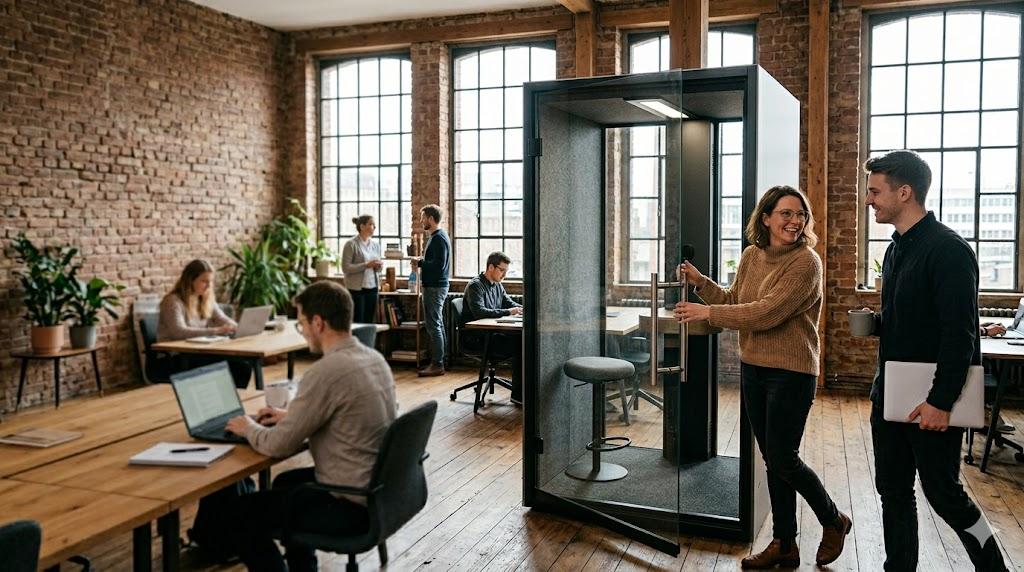
Community is the reward. Operations are the job.
Why the operating system of a coworking space is not the newsfeed — but booking, access and usage.
Read article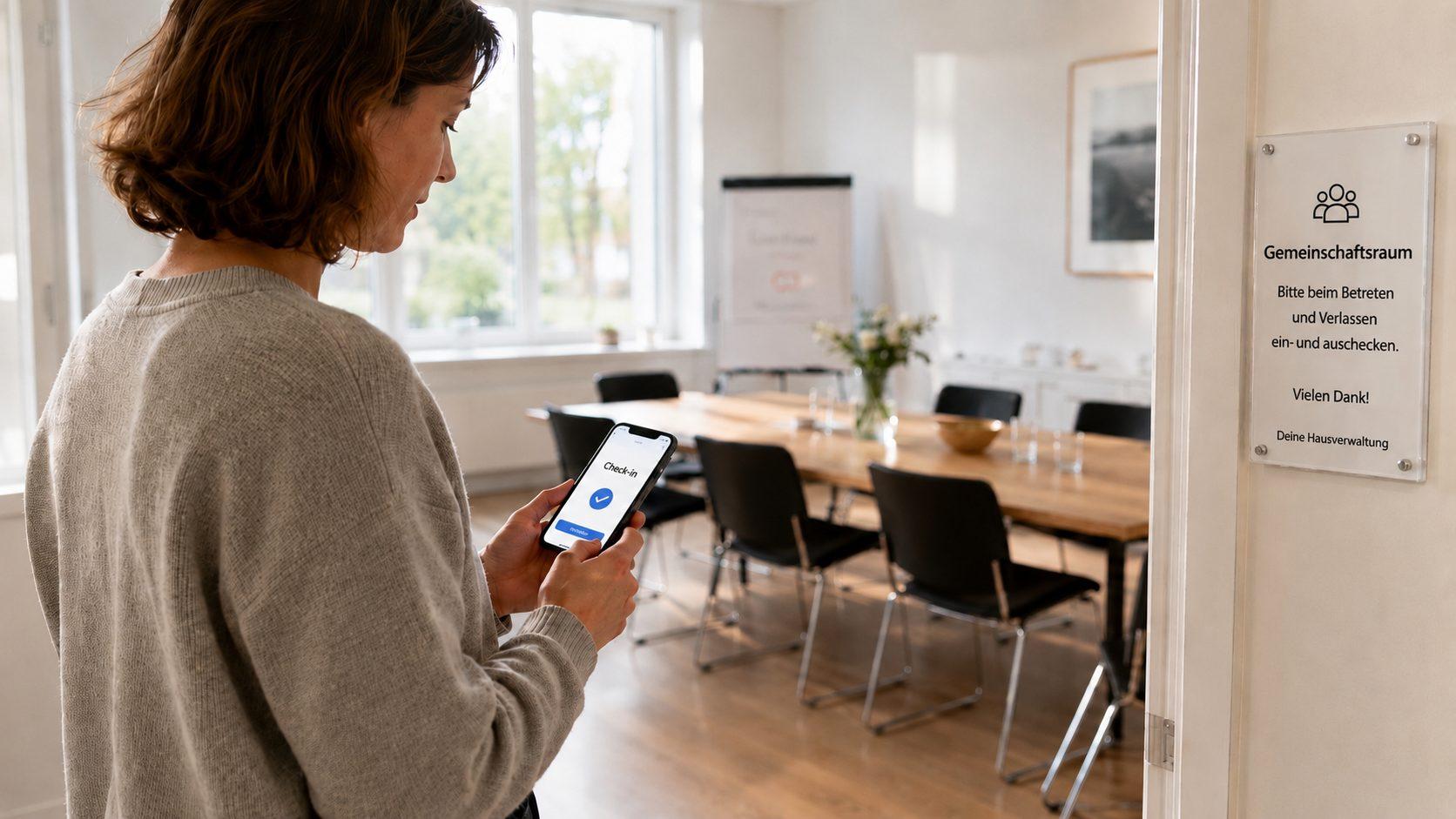
Making rooms bookable online
How organisations can make better use of existing infrastructure
Read article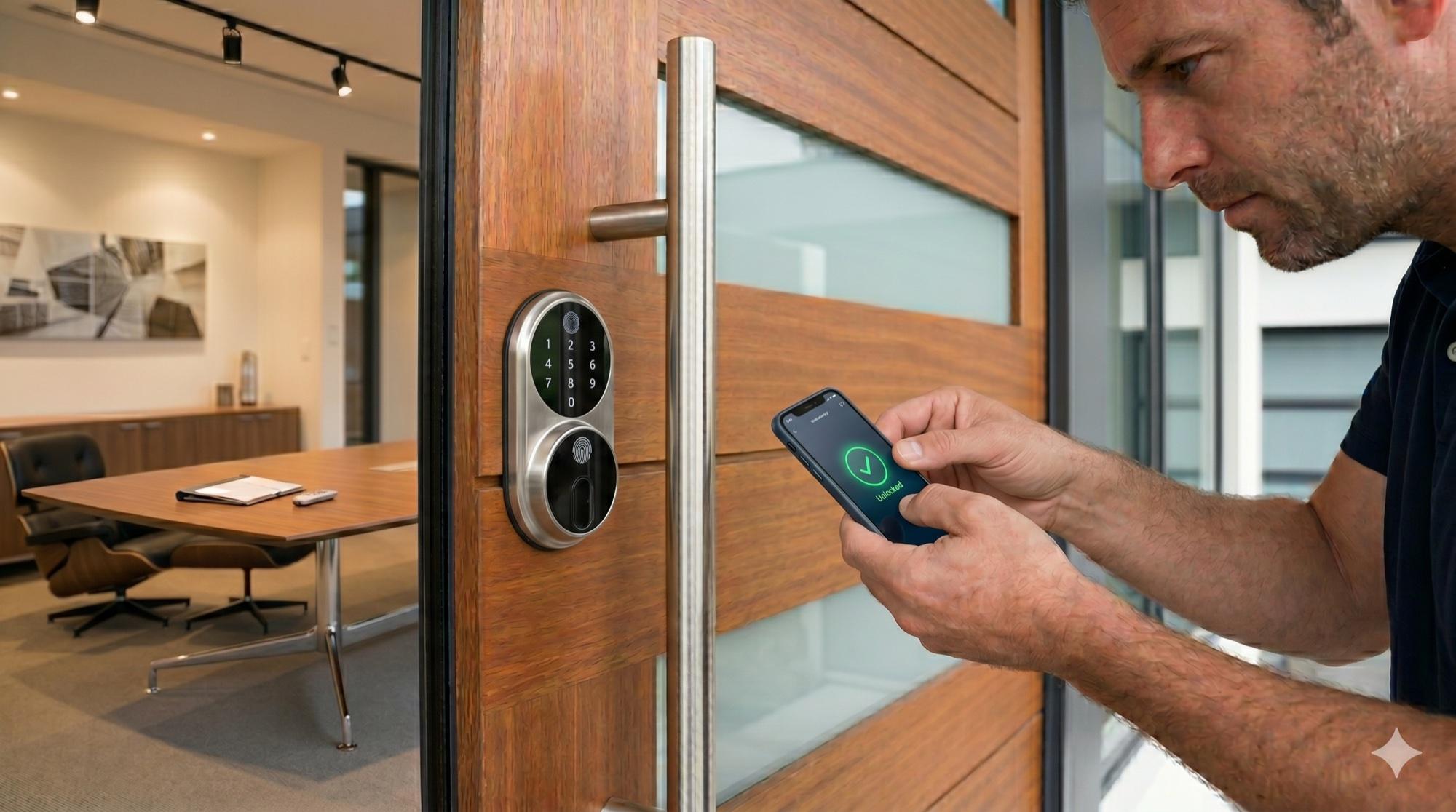
Digital access management with kolula KEY
Why hybrid access solutions are more cost-effective
Read article
Product rentals, reimagined
Rent instead of buy — sustainable, flexible and cost-saving
Read article
Private handovers, simple and secure
Smart lockers as a safe meeting point for marketplace users
Read article
Automated 24/7 guest check-in
How kolula makes key handover effortless
Read articleWant to know more?
In a short call we’ll show how kolula can map to your requirements.